A real teammate in your coding interview, in real time
Codex Interview is the human-powered coding interview assistant. A trusted teammate joins your live coding pad, helps you reason through every problem in real time, and you keep the skill afterward — human-verified, never AI-guessed.
Your Coding Pad
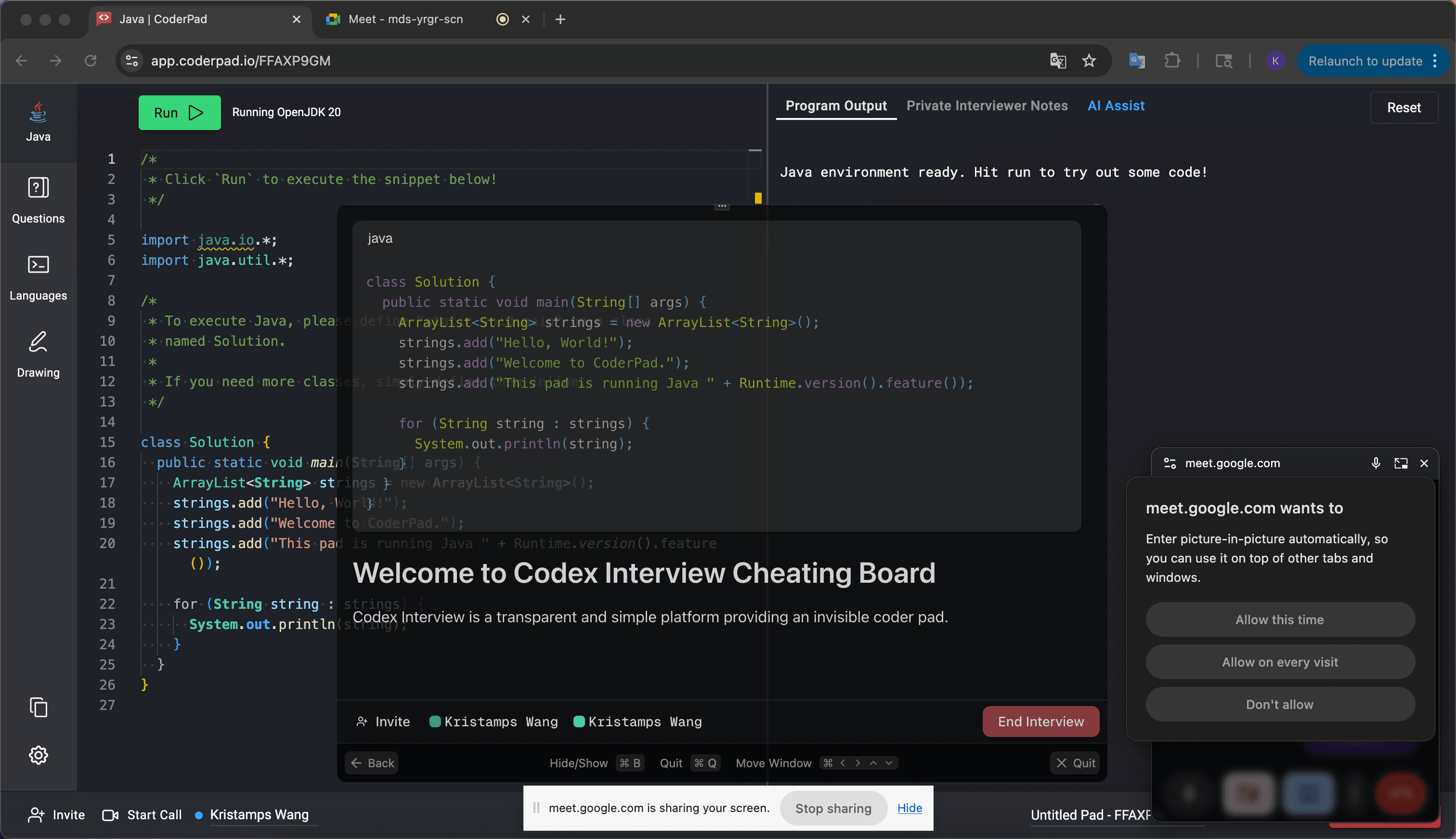
Shared With Your Partner
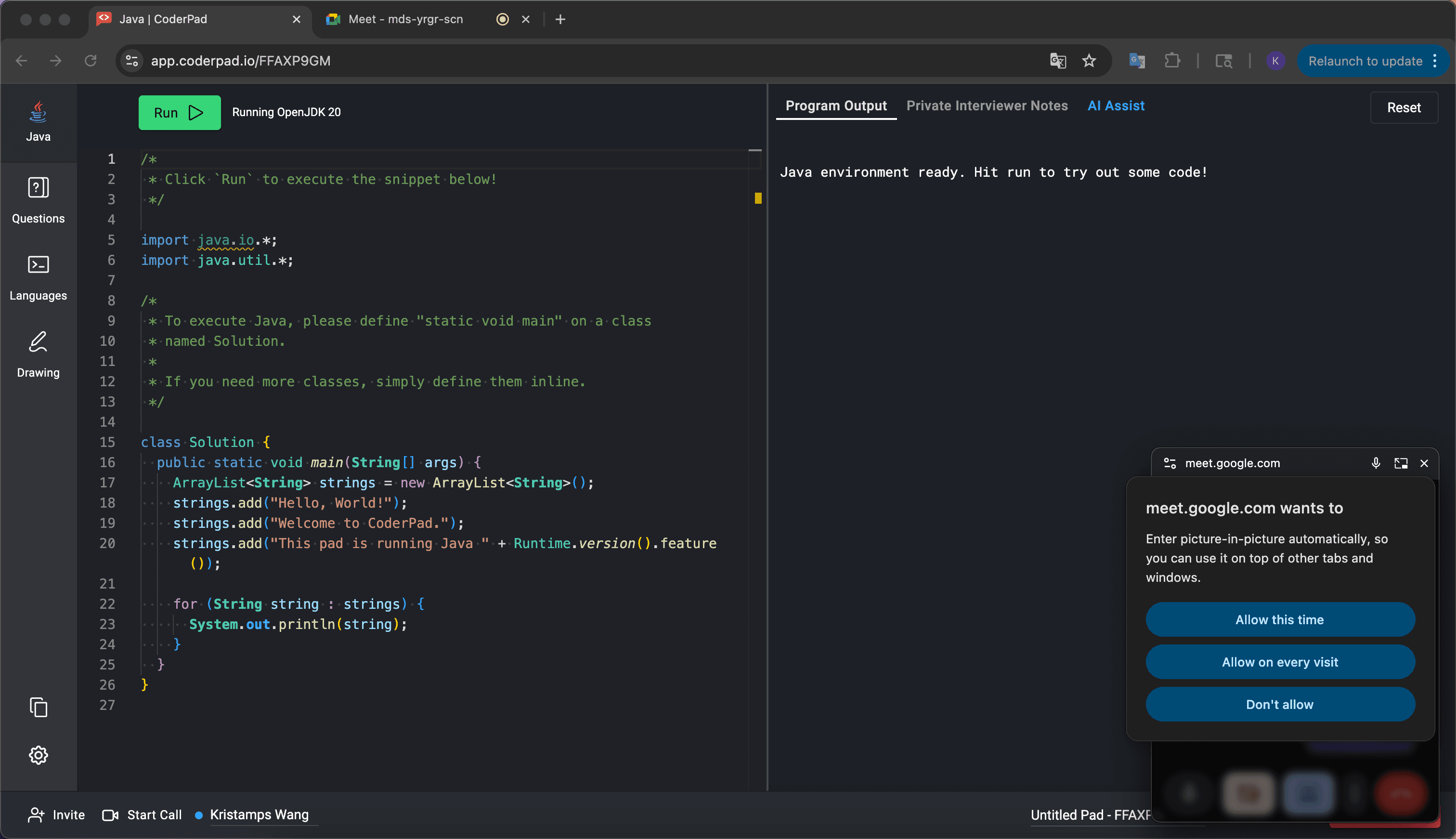
A real teammate, not a guessing AI
AI copilots hallucinate and fall apart on the hard questions. Codex is the human coding interview assistant: a trusted teammate joins your live coding pad, sees the same problem you do, and helps you reason through it in real time — human-verified, never hallucinated, and it runs openly beside Zoom, Meet, and CoderPad. You keep the skill afterward. Just install the desktop app and invite whoever you trust before you start.
How it works?Human teammate vs. AI copilot
A copilot only helps if it's right when it counts. Here's how a real teammate compares to the AI-copilot category.
| Codex (human) | AI copilots | |
|---|---|---|
| Answer accuracy | A real engineer verifies the solution before you type a line | Confidently wrong the moment the problem isn't textbook |
| Interviewer follow-ups | Adapts live as the interviewer probes your reasoning | Can't follow the conversation happening in your room |
| Price | $29 one-time Day Pass — no subscription | $39–$299/mo, billed monthly |
Prepare for interviews at companies like these



Company names and logos are trademarks of their respective owners, shown for identification only. Codex Interview is not affiliated with or endorsed by them.
Every keystroke, cursor, and message syncs instantly between you and your teammate.
Demonstration
This video will show you how Codex Interview works in action. You can also try it out yourself by downloading the app and running it on your machine.
Which platforms does Codex Interview support?
Codex Interview runs as a separate desktop app alongside your call, so it works reliably across these browser-based meeting platforms. Below is an up-to-date list of platforms where Codex Interview performs reliably. We recommend running through our basic checks before your actual interview to make sure everything works.
Command Palette
Use the command palette to quickly access all of Codex's features.
Hide/Show Window
Hide or show Codex Interview
Move Window
move the window around your screen without touching the mouse
Refresh Window
Refresh the Codex Interview application
Quit the Application
Quit the Codex Interview application
Find a plan
One-time passes · No subscription · No auto-renewal
Free
Unlimited local pads
- Unlimited coding pads
- Multi-language syntax highlighting
- Code execution
Day Pass
24-hour session pass
- Real-time collaboration
- Everything in Free
- Live help from a trusted teammate
- Screen sharing
- History and persistence
- 24/7 customer support
Codex Enterprise
For large teams
Frequently Asked Questions
Here are some common questions about Codex Interview.
